Run your team, not a pile of windows
Keep every character organised, see who is ready, and jump between accounts without losing track of the fight.
Each account runs in its own Android device profile while the original game client stays untouched. Switch sessions and manage your whole team from one desktop launcher.
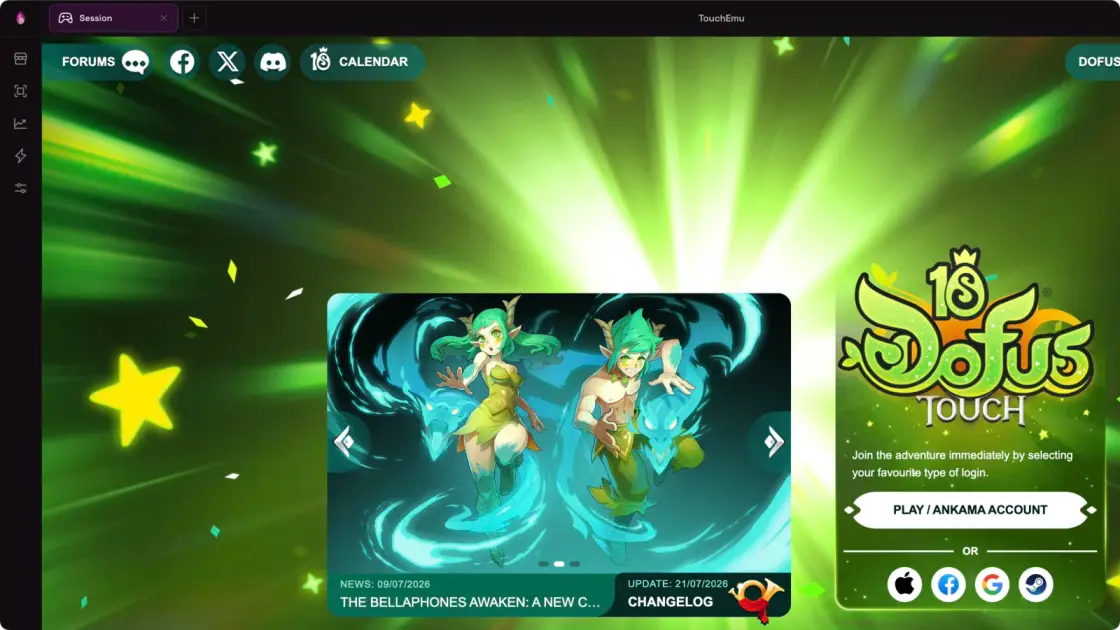
Every session runs as a real Android device profile while the game client stays untouched. You get the desktop comfort without the sketchy shortcuts.
Keep every character organised, see who is ready, and jump between accounts without losing track of the fight.
TouchEmu emulates real Android device profiles instead of patching the game. Your client stays clean and your setup stays close to mobile.
Telegram and Discord alerts are rolling out in beta, so you can catch what matters without staring at another window.
Accounts, audio, windows, and controls are exactly where you expect them. Less menu hunting, more time in game.
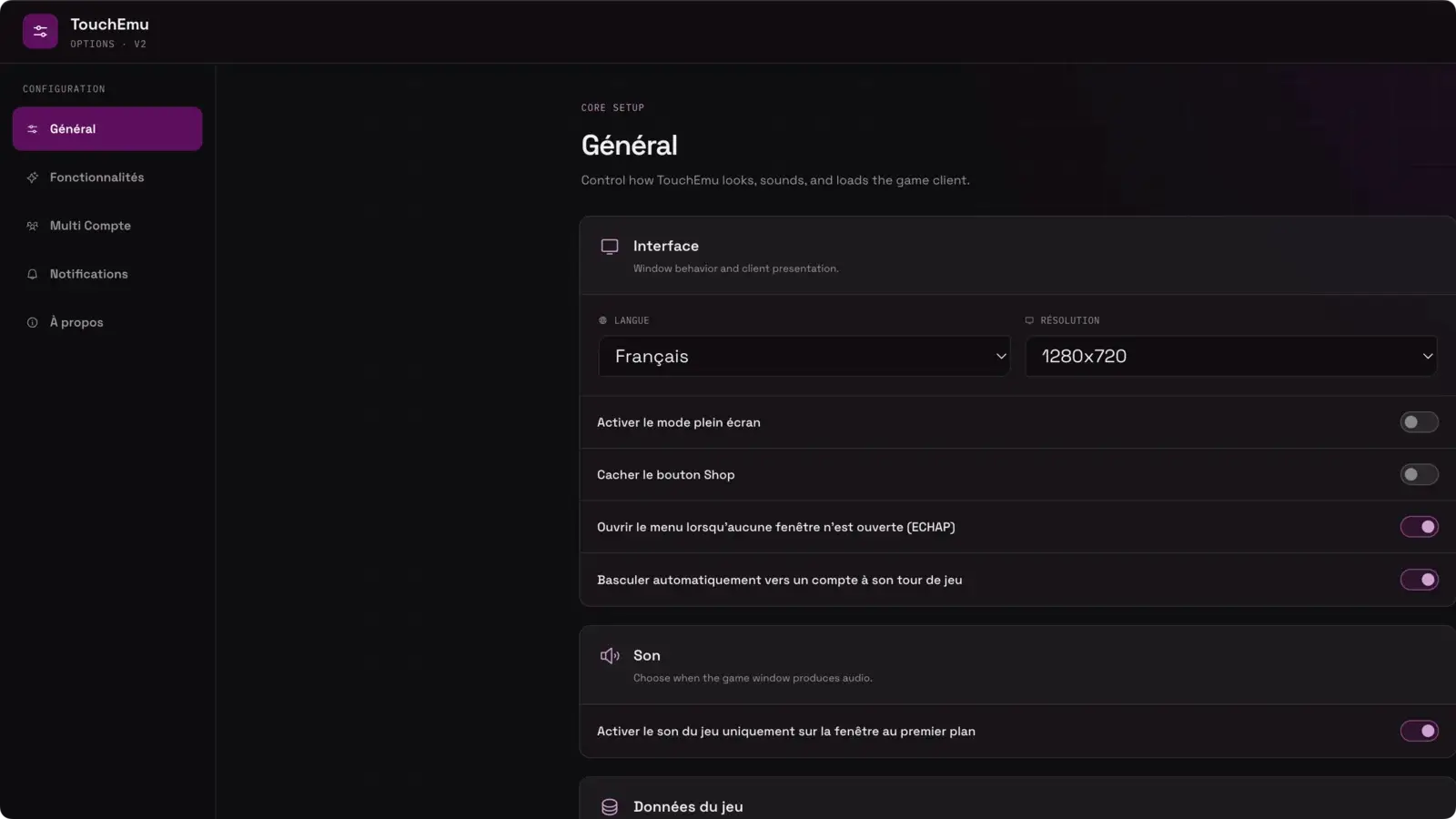
Cast spells, use items, swap pages, and end your turn from the keyboard. The shortcuts switch off automatically when you type.
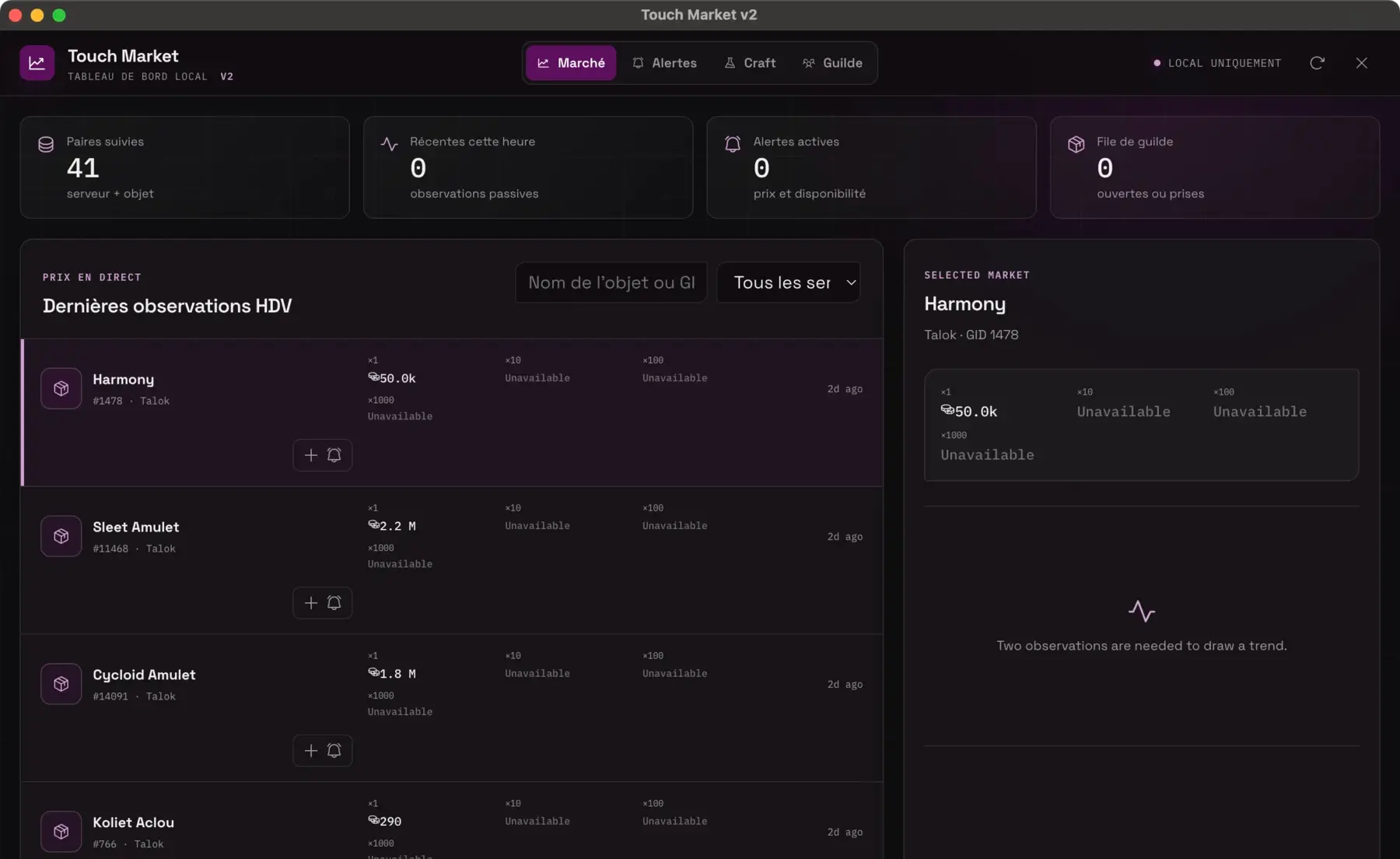
Check prices, history, alerts, item icons, and real server names without turning your session into spreadsheet duty.
Touch Market does not buy or trade automatically.
Pick your platform, install, and get in game. Your recommended build is already at the top.
Windows 10 and 11
Intel Macs
Apple silicon Macs
Not sure which Mac you have? M1, M2, M3, and M4 Macs use arm64. Older Intel Macs use x64.
The honest answers to the questions players ask first. For anything else, jump into Discord.
Open DiscordTouchEmu is built to minimise ban risk: it emulates real Android devices and does not inject into or modify the Dofus Touch client. No third-party tool can honestly promise zero risk, so always respect the game rules.
No. TouchEmu gives each session a real Android device profile, then adds the desktop tools Dofus Touch players actually need: account switching, combat shortcuts, team tracking, and market data.
Grab the build for your platform, run the Windows installer or open the macOS DMG, and follow the steps. If anything acts up, Discord is the fastest place to get help.